ByteBreaker Executor
ByteBreaker Executor for Roblox
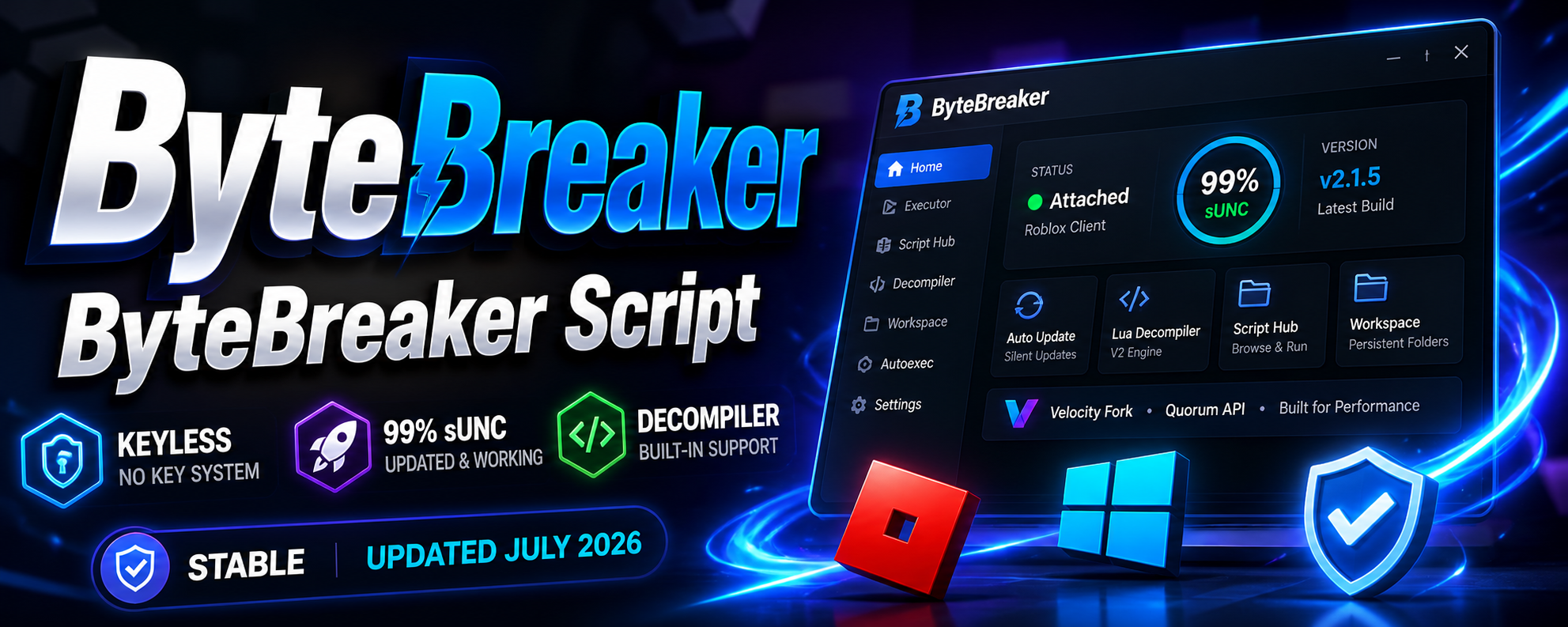
ByteBreaker is a keyless Roblox executor for Windows that handles script injection, decompiler features, and autoexec. It runs as a desktop client on the PC Roblox build and applies user-supplied Lua for code execution inside a joined game session. The project is distributed in two version lines, V1 and V2, treated as separate release tracks.

Core Features
The executor pairs an injector with a Lua editor and a bundled script hub. Main functions include:
- Keyless access with no key system step before execution.
- Lua editor with syntax highlighting and an integrated script hub for loading community scripts.
- Built-in Lua decompiler, positioned on the V2 line, for reading target bytecode.
- Autoexec support that runs selected scripts on attach.
- Workspace folders with persistence for saved files between sessions.
- saveinstance support for exporting game structures.
The backend is built on a Quorum API integration, and the codebase is described as a Velocity fork. Reported sUNC figures list around 99% on V2 and roughly 79% on the older V1 line.
Compatibility
This is a Windows-only tool. It targets the standard desktop Roblox client and does not provide a native mobile build. V1 is presented as the stable line with a working decompiler, while V2 focuses on higher sUNC coverage and the current decompiler runtime. Choose the version line based on whether stability or feature depth is the priority. Because the executable is unsigned, Windows Defender and SmartScreen may flag the file on first run, which is a common false positive for tools of this type.
Updates
Maintenance follows the Roblox patch cycle. After a client update, execution can break until the build is repatched, so the current status matters more than the version number alone. A silent auto-update system is included to pull the latest working build without a manual reinstall. Confirm that the executor reports itself as updated for the latest Roblox release before an injection attempt, since update timing drives whether a session succeeds.
Key Capabilities
- Keyless launch flow that skips key gates entirely.
- Attach and inject into an active Roblox process for script execution.
- Script hub navigation for browsing and running hosted scripts.
- Decompiler workflow for inspecting Lua on the V2 track.
- Autoexec plus workspace persistence for repeatable setups.
- Auto-update handling to keep the build aligned with recent Roblox patches.
If the script editor does not appear or an inject crash occurs, the usual fixes are restarting the client, running the tool after Roblox is fully loaded, and allowing the file through Defender when the unsigned-app warning shows. These steps address the most frequent V1 and V2 failure cases after a patch cycle.
